Washers
How to Reset a Washing Machine: Samsung, LG, Whirlpool, GE, Maytag
How to reset a washing machine from Samsung, LG, Whirlpool, GE or Maytag: the universal power reset, what each brand adds, and when a reset won't help.
By Atlanta Appliance Techs · Published · Updated · 5 min read
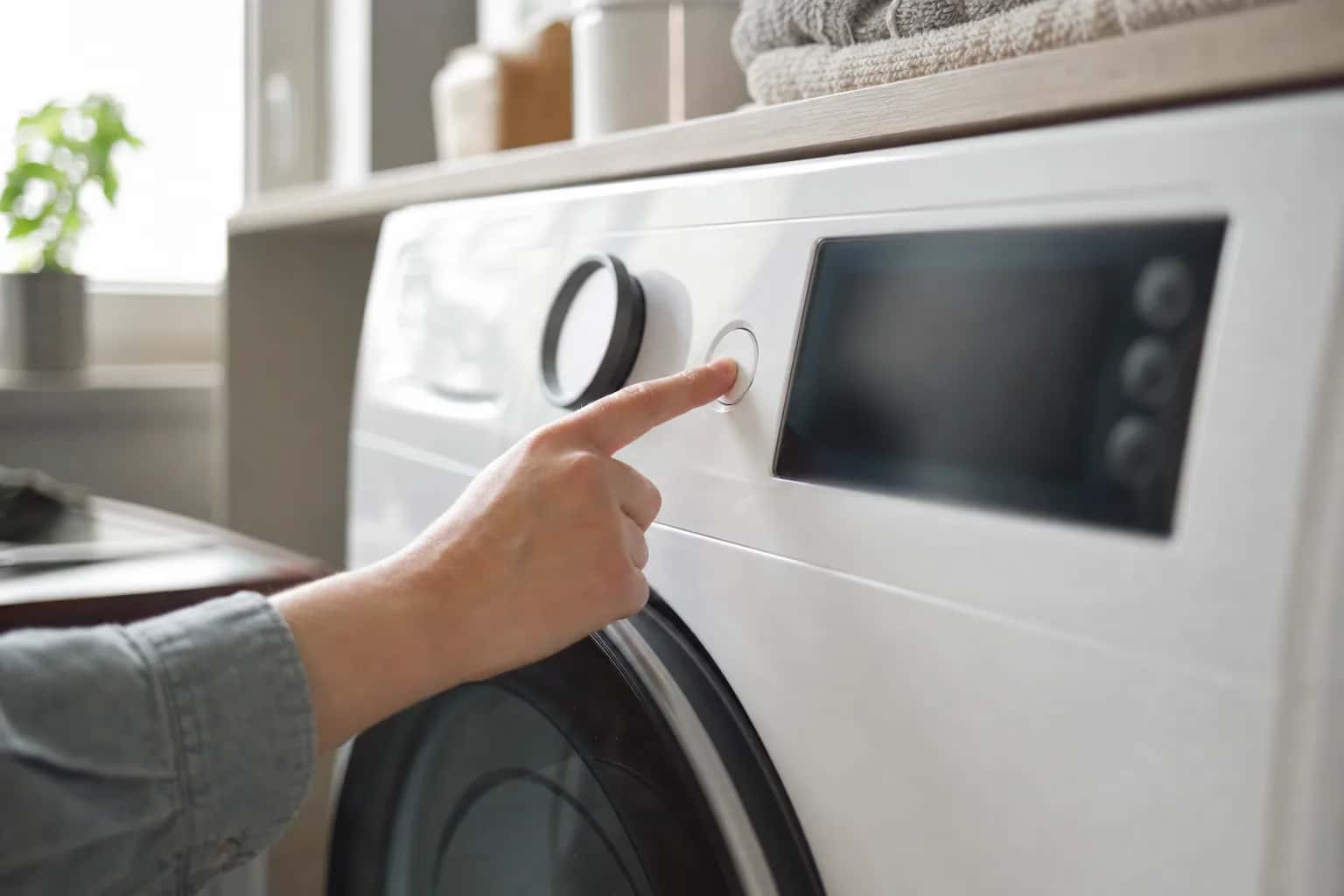
To reset a washing machine, you cut its power, wait, and turn it back on. Most washers have no button labeled Reset; the universal reset is to unplug the washer, or switch off its breaker, for at least a minute, then restore power and start a new cycle. That clears a frozen control or a one-time glitch. It does not fix a failed part, and done over and over it can erase the clue a technician needs.
Safety first: if there is water on the floor near the outlet or the cord, switch off the breaker instead of reaching for the plug. Never tape, force or bypass a door lock or lid switch to get a washer running; those parts keep hands out of a spinning drum.
How to reset a washing machine: the universal method
- Stop the cycle with Power or Cancel, if the washer still responds.
- Cut the power. Unplug the washer, or switch off its breaker at the panel if the plug is hard to reach or the washer is hard-wired.
- Wait. The brands below ask for anywhere from 1 to 5 minutes, so 5 minutes covers all of them.
- Restore power, turn the washer on, choose a cycle and start it.
- Watch the first minute. If the same code comes straight back, stop resetting; see below.
Before you reset anything, rule out two settings that make a washer look broken when it is not: Control Lock or Child Lock (a padlock light, or CL or LoC on the display), and a Delay Wash countdown. Whirlpool's reset page says that with Control Lock set, the control will not operate at all, so check it first.
Is there a washing machine reset button?
Usually not. Every brand procedure starts by cutting the power, not by pressing a Reset button. The differences are small: LG adds a button hold while the washer is unplugged, many Whirlpool and Maytag washers also have a factory reset in the owner's manual, and GE has a special motor reset for certain older top-loaders.
Reset steps by brand
Each brand publishes its reset on its US support site. The short version is below; the full steps for Samsung, LG and Whirlpool are in the reset section of each brand's code guide, so you can clear the code and look it up in one place. Button names vary by model, so check your manual too.
| Brand | What the reset involves | Full steps |
|---|---|---|
| Samsung | Unplug or switch off the breaker, wait 1 to 5 minutes, power back on | Samsung washer reset steps |
| LG | Unplug, hold Start/Pause for 5 seconds while it has no power, restore power | LG washer reset steps |
| Whirlpool | Unplug for 5 minutes, or switch off the breaker for 5 minutes if hard-wired; check Control Lock first | Whirlpool washer reset steps |
| Maytag | The same 5-minute power reset and Control Lock check as Whirlpool | Whirlpool and Maytag reset steps |
| GE | Breaker, fuse or plug off for 2 minutes; a separate motor reset for some top-loaders | Below |
One caution applies to every brand. Samsung's reset page says a reset clears the error codes in the washer's memory without fixing the cause, and that if a code comes back you should not keep clearing it, because resetting wipes the code history a technician uses to diagnose the problem.
A factory reset is a different thing from a power reset. Maytag says its factory reset returns every setting to the original values and deletes saved profiles and preferred settings, and that the steps are in the owner's manual.
How to reset a GE washer
GE says to shut off the breaker or fuse to the washer, or unplug it, for 2 minutes. On models with a timer knob, turn the knob around and back to any position other than final spin, then restore power. On electronic models, select and start the cycle again once the power is back.
GE documents one more reset, only for select top-loaders with the HydroWave wash system built from 2011 through 2015, when the washer fills but will not agitate or spin:
- Unplug the washer for 1 minute.
- Plug it back in. Within 30 seconds, start lifting and lowering the lid: 6 times within 12 seconds, raising it at least 2 inches and closing it fully each time.
- Run a small cycle with no clothes to confirm it fills and starts to agitate.
When a reset won't help
A reset clears the control's memory. It cannot unclog a pump filter, replace a worn door lock or fix a slipping belt. Stop resetting and look further when:
- The same code comes back. Look it up in your manual or in our Samsung, LG and Whirlpool code guides. Codes vary by model, so confirm the meaning for yours.
- Nothing lights up at all. A reset will not help a washer with no power. Check the outlet, the breaker and any GFCI; our guide to a washer that won't turn on walks through it.
- It stopped with water in the tub. That is usually a drain problem; see washer not draining or spinning.
- The door stays locked. See washer door won't unlock, and never force it.
- It trips the breaker, hums without moving, or smells hot. Unplug it and call. Resetting a washer that keeps tripping its breaker is not a repair.
What usually fails
When a reset keeps "fixing" the same problem for a day or two, a part is usually on its way out:
- Door lock or lid switch. The washer will not start or spin, or shows a door code, because it never confirms the door or lid is locked.
- Drain pump. Drain codes that return after every reset, or a hum with no water moving.
- Water inlet valve. Fill codes, or a washer that waits and never fills; see washer not filling with water.
- Main control or user interface board. Dead or unresponsive buttons, a garbled display or random codes, especially after a storm. We test before replacing a board.
If a reset only buys you a day or two, our washer repair page explains what a diagnostic visit covers.
What it costs in Atlanta
The diagnostic is $80, and it is waived when you approve the repair. Washer repairs start at $180 plus parts, and a typical washer repair on a standard brand runs $250 to $450 all in. Premium brands can run higher, and tub bearings or transmissions can exceed $500. You get a written flat-rate estimate before any work begins, the repair can be finished on the first visit when the part is in stock, and every repair carries our 60-day parts-and-labor warranty. See our pricing, and for an older machine, our repair-or-replace guide.
Schedule a visit or read about our washer repair service. Prefer to talk? Call (470) 778-4087.
Sources
- Samsung: How to reset your Samsung washer
- LG: Troubleshooting unresponsive washer buttons
- Whirlpool: How to reset a washer
- Maytag: How to reset a washer
- GE Appliances: Washer, resetting the electronic controls
- GE Appliances: Top load washer, HydroWave motor reset
How we write and check these guides: editorial policy. Spot an error? Email hello@atlantaappliancetechs.com.
About Atlanta Appliance Techs
Atlanta Appliance Techs is a locally owned appliance repair company serving Metro Atlanta, including washer repair in Atlanta. $80 diagnostic waived with the repair, 60-day parts-and-labor warranty, and gas, electric and induction appliances. More about us.