Advice
Appliance Not Working After a Power Outage? An Atlanta Storm Guide
Appliance not working after a power outage? Storm safety, USDA food rules, breaker and GFCI resets, surge damage, and where to report an outage locally.
By Atlanta Appliance Techs · Published · Updated · 8 min read
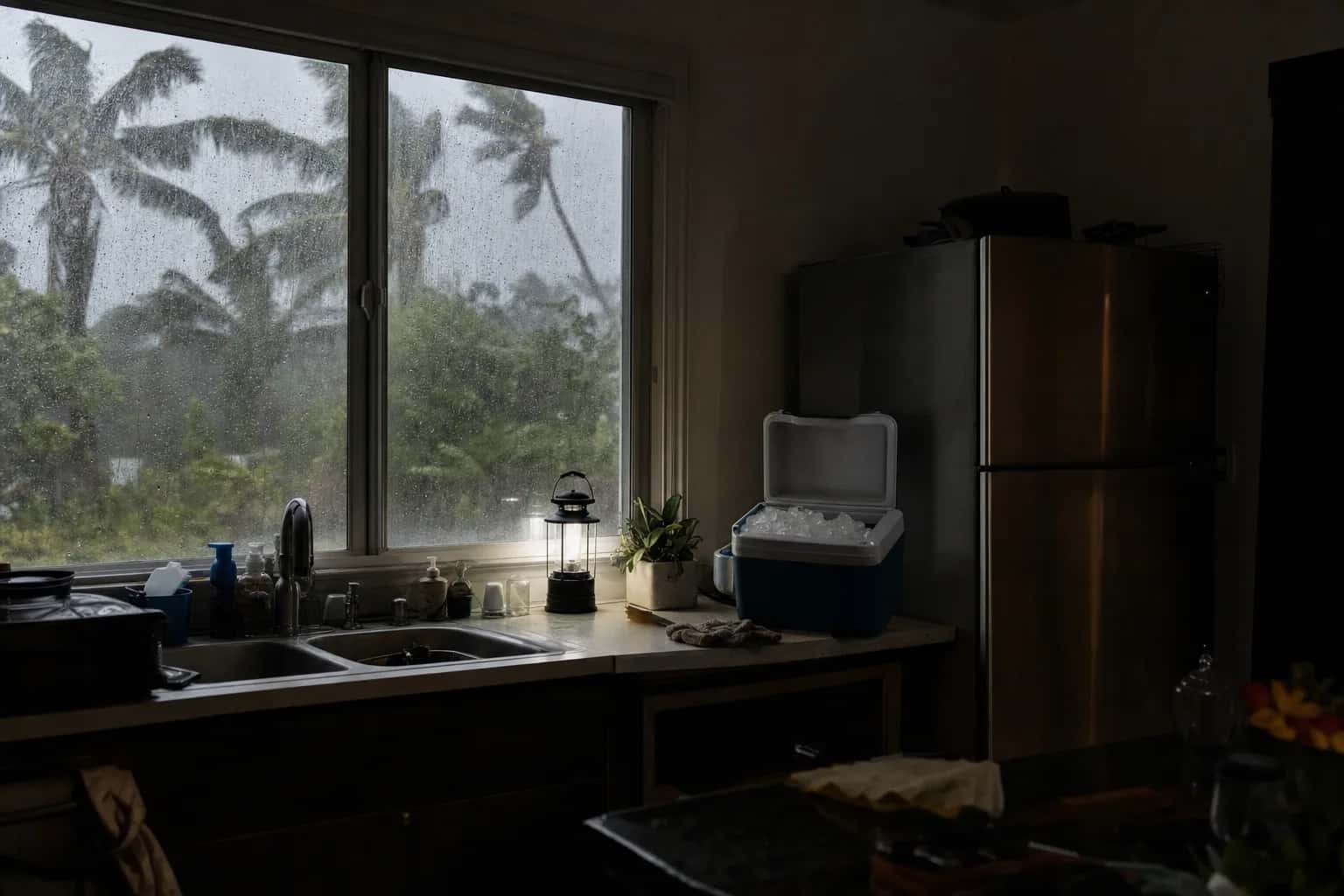
If an appliance is not working after a power outage, the cause is usually simple: a tripped breaker, a tripped GFCI outlet, or electronic controls that need a full power reset. Refrigerators also need time to restart and pull back down to temperature. If a reset does not bring an appliance back, a power surge may have damaged its control board, and that is a repair.
Summer thunderstorms and the occasional winter ice storm both knock out power around metro Atlanta, so this is a routine worth knowing. Start with safety.
Safety first after a storm
- Wet appliances stay off. The Consumer Product Safety Commission says not to touch wet appliances that are still plugged in. Keep everyone out of standing water near outlets. If you cannot reach the breaker panel without stepping into water, stay out and call your utility or a licensed electrician.
- Flooded appliances need an inspection first. Before you use anything that was under water, CPSC says to have a qualified professional or utility representative inspect the home and replace all gas control valves, electrical wiring, circuit breakers and fuses that were under water.
- Flooded refrigerators and freezers are done. USDA is stricter about food storage: a refrigerator or freezer submerged by floodwater, even partially, is unsafe to use and must be discarded.
- Generators stay outside. CPSC says never to use a portable generator inside a home, garage, basement, crawlspace or shed, even if doors or windows are open. Run it outdoors, at least 20 feet from the house, with the exhaust pointed away from windows, doors and vents.
- Carbon monoxide alarms. Install battery-operated CO alarms, or alarms with battery backup, on every level and outside sleeping areas. If one sounds, get outside first, then call 911.
- Power appliances from the generator itself. Ready.gov says to connect appliances to a generator with heavy-duty extension cords.
- Never backfeed. A CPSC safety alert warns never to power house wiring by plugging a generator into a wall outlet, a practice called backfeeding, because it puts utility workers and neighbors at risk of electrocution and bypasses household circuit protection. Connecting a generator to your home's wiring is a job for a licensed electrician.
- If you smell gas, do not touch light switches or use a phone inside. Leave the house and call the gas utility or 911 from outside.
Protect your food first
According to the USDA, a closed refrigerator keeps food safe for up to 4 hours without power, and a full freezer holds its temperature for about 48 hours (24 hours if it is half full). Keep the doors shut, and if the outage runs longer, move perishables to a cooler with ice or frozen gel packs. To prepare for the next storm, keep an appliance thermometer in each compartment, fill empty freezer space with frozen jugs of water, and have a cooler and frozen gel packs ready.
Discard perishables such as meat, poultry, fish, eggs, leftovers, milk and soft cheeses if the refrigerator was without power for more than 4 hours. Frozen food that still has ice crystals, or that stayed at 40°F or below, can be refrozen, though the quality may suffer. Never taste food to decide. When in doubt, throw it out.
What to do after a power outage, step by step
Unplug an appliance, or switch off its breaker, before you pull it out or remove any panel. Then work through these in order:
- Check the breaker panel. Look for any breaker that is off or sitting in the middle. Switch it fully off, then back on. If it trips again, leave it off; see refrigerator tripping the breaker or GFCI.
- Reset GFCI outlets. The outlets with Test and Reset buttons, found in kitchens, laundry rooms, garages and outdoors, may have tripped. Press Reset, and check nearby outlets too, because one GFCI can protect others on the same circuit. Never remove or bypass a GFCI.
- Power-cycle the appliance. Switch its breaker off, or unplug it, for one minute, then restore power. This clears controls confused by the outage. It is the same first step Whirlpool gives for its microwave error codes: breaker off for one minute, back on, then watch for a minute.
- Reset the clocks. Ranges, ovens and microwaves often lose their settings in an outage. A GE microwave, for example, may show PF, 888 or 8888 until you touch Clear or Clear/Off. Set the clock, restart any interrupted cycle, and look for a control lock.
- Give the refrigerator time. A refrigerator that sat warm for hours can take a good part of a day to pull back down to temperature, longer if the doors are opened often or it was restocked with warm food.
- Check temperatures. Put an appliance thermometer in each compartment. USDA's targets are 40°F or below in the refrigerator and 0°F or below in the freezer.
- Call if it is still dead. A blank display, a breaker that keeps tripping or a refrigerator still warm the next day points to a failed part.
Refrigerator not cooling after a power outage
If the light is on but the refrigerator is still warm the next day, repeat the one-minute reset. If it still is not cooling, a surge may have damaged the control board, the start relay or, on inverter models, the inverter board that drives the compressor. Those parts can be tested and replaced, and that kind of refrigerator repair after a storm starts with a diagnosis, not a guess. Our guide to why your fridge is not cooling covers the other causes.
Ice maker not working after an outage
Ice in the bin can partly melt during an outage and refreeze into one block, which can jam the dispenser. Remove the bin, let it thaw, empty, clean and dry it, and put it back. If no new ice arrives within a day, see ice maker not making ice.
Washer not working after an outage
A washer that lost power mid-cycle may keep its door or lid locked for a few minutes after power returns, and a front-loader keeps its door locked while water is still in the drum. Give it a few minutes, then start a Drain and Spin cycle. If the door still will not open, see washer door won't unlock. If the washer shows no lights at all, see washer won't turn on.
Oven, range or cooktop not working
On an electric range or cooktop with knobs, turn every burner off so nothing comes back on unattended when the power returns. Then reset the breaker, which for a range is usually a double breaker, and set the clock. If the oven still will not respond, see oven not turning on, and for a dead element, electric stove burner not working.
If your range is gas and the oven will not light once the power is back, see oven not heating up. We repair gas and electric ranges and ovens.
Microwave not working
Reset the breaker and any GFCI, then power-cycle the microwave for one minute. On a generator or inverter, Whirlpool says the power may be enough for the lights and controls but not for heating, so test it on wall power. Never open the cabinet, even unplugged. More in microwave stopped working.
Dishwasher won't start
Check the breaker, a GFCI that may be up on the counter, and the wall switch, which is easy to confuse with the disposal switch. Then do the one-minute reset. See dishwasher won't start for control locks and latches.
Power surge damage
Ready.gov warns that power may return with momentary surges or spikes that can cause damage, and recommends turning off or disconnecting appliances, equipment and electronics during an outage. A surge usually hits the electronics: control boards, display boards and inverter boards. The signs are a dead display, controls that do nothing, or a code that returns after every reset. These are repairable, and we test before we quote a board. For next time, a whole-house surge protector at the panel, installed by a licensed electrician, adds a layer of protection, as our Atlanta maintenance checklist explains.
Report an outage in Fulton, DeKalb, Cobb and Gwinnett
Report the outage to your electric utility first. Your power bill shows which one serves your address; across the metro it is usually Georgia Power or one of the electric membership cooperatives (EMCs) below.
| Utility | How to report an outage |
|---|---|
| Georgia Power | Report online at georgiapower.com/outage and follow restoration on the Georgia Power outage map. For a downed line, call 911 or 1-888-891-0938. |
| Cobb EMC | Text OUT to 898-362, or use the online outage report. |
| Jackson EMC | Call 1-800-245-4044 and choose option 1, or report it through your MyJacksonEMC account or the MyJacksonEMC app. |
| GreyStone Power | Call 1-866-473-9786, or use the Report An Outage link on its website. |
| Sawnee EMC | Use the outage center on its website or the Sawnee EMC mobile app. |
| Walton EMC | Report online at waltonemc.com or in the myWaltonEMC app. |
Stay away from downed lines wherever you live. Georgia Power says to assume any downed line is live and life-threatening, to keep children and pets away, and not to touch the line or anything in contact with it, including tree limbs.
For severe weather alerts, sign up with your county:
| County | Emergency management | Alerts and contact |
|---|---|---|
| Fulton | Atlanta-Fulton County Emergency Management Agency | Sign up online for FALCON, the county's alert service. Without internet access, call 404-730-7900 during business hours for help registering. |
| DeKalb | DeKalb County Emergency Management Agency | Text DEKALBALERT to 67283, or create a profile at dekalbalert.com. DeKalbAlert replaced CodeRED in 2026, and CodeRED subscribers were not moved over automatically, Atlanta News First reported. |
| Cobb | Cobb County Emergency Management Agency | See the agency's page for the county's current alert sign-up. |
| Gwinnett | Gwinnett County Office of Emergency Management | Sign up for Alert Gwinnett, a free alert service, through Smart911 online or in the Smart911 app. |
We repair appliances in all four counties; see the towns on our service areas page.
What it costs in Atlanta
The diagnostic is $80 on standard appliances and $120 on built-in wall ovens, double ovens and oven-microwave combos, and it is waived when you approve the repair. Labor is priced by appliance, from $180 plus parts for a garbage disposal to $180 for a refrigerator and $250 for built-in ovens and combos, with a written flat-rate estimate before any work begins. When the part is in stock, the repair can often be finished on the first visit, and if a part has to be ordered there is no trip charge to come back and install it. Every repair carries our 60-day parts-and-labor warranty. See our pricing.
We repair gas, electric and induction appliances, including gas ranges, ovens, cooktops and dryers. Work on the gas piping itself is for a licensed plumber or gas contractor; if you smell gas, leave the house and call 911 or your gas utility from outside.
Schedule a visit or read about our repair services. Prefer to talk? Call (470) 778-4087.
Sources
- CPSC: Warns of Generator, Carbon Monoxide and Fire Hazards Ahead of Hurricane Season
- CPSC: Safety Alert, Portable Generator Hazards (PDF)
- USDA FSIS: Keep Your Food Safe During Emergencies
- Ready.gov: Power Outages
- Georgia Power: Outage Information
- Cobb EMC: Outage Alerts
- Jackson EMC: Report an Outage
- GreyStone Power: How to Report Outages
- Fulton County: FALCON Emergency Alerts
- Atlanta News First: DeKalb County replaces Code Red with new alert system (May 5, 2026)
- Gwinnett County: Alert Gwinnett
How we write and check these guides: editorial policy. Spot an error? Email hello@atlantaappliancetechs.com.
About Atlanta Appliance Techs
Atlanta Appliance Techs is a locally owned appliance repair company serving Metro Atlanta. $80 diagnostic waived with the repair, 60-day parts-and-labor warranty, and gas, electric and induction appliances. More about us.